Contractors, site teams and estimators
AI for Construction
Make the paperwork easier to find, easier to read and less likely to be based on the wrong drawing.
Discuss training for your construction team
A job can have four copies of a drawing and still spend Monday morning looking for the right one. That is where I would start with AI in construction. Give it a narrow admin job, a clear set of documents and a way to tell which revision matters.
A job from tender desk to site handover
Tender desk. Pull open questions out of the tender pack and record the document, section and response deadline. Have the estimator check scope and quantities. A beautifully formatted exclusion can still cost money if it is wrong.
Project office. Prepare a draft request for information, or RFI, with the drawing number and revision. Give the technical lead the source extract so the question can be checked before issue.
Site handover. Turn approved notes into actions, owners and items to confirm. Ask the supervisor to check what was actually agreed. Leave the original record beside the draft.
Build an RFI log from a fictional example
Suppose a plan and a schedule give different information for an opening. Make an RFI that identifies the discrepancy and asks for clarification. Keep the drawing numbers, revisions and dates in the same row.
Try this prompt
Use these fictional project extracts [documents and revisions]. Create a draft RFI log with location, document, revision, exact discrepancy, question, owner and status. Mark unknowns as open. Do not choose a design answer or guess the drawing revision.
Run the check on one row before doing the rest. Can a colleague locate the exact point on both drawings? Would the recipient understand what they need to confirm? If the answer is no, the RFI needs another pass.
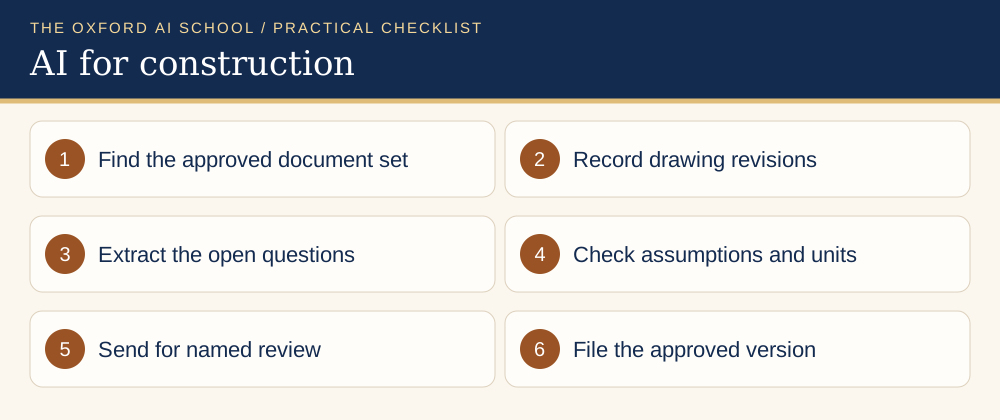
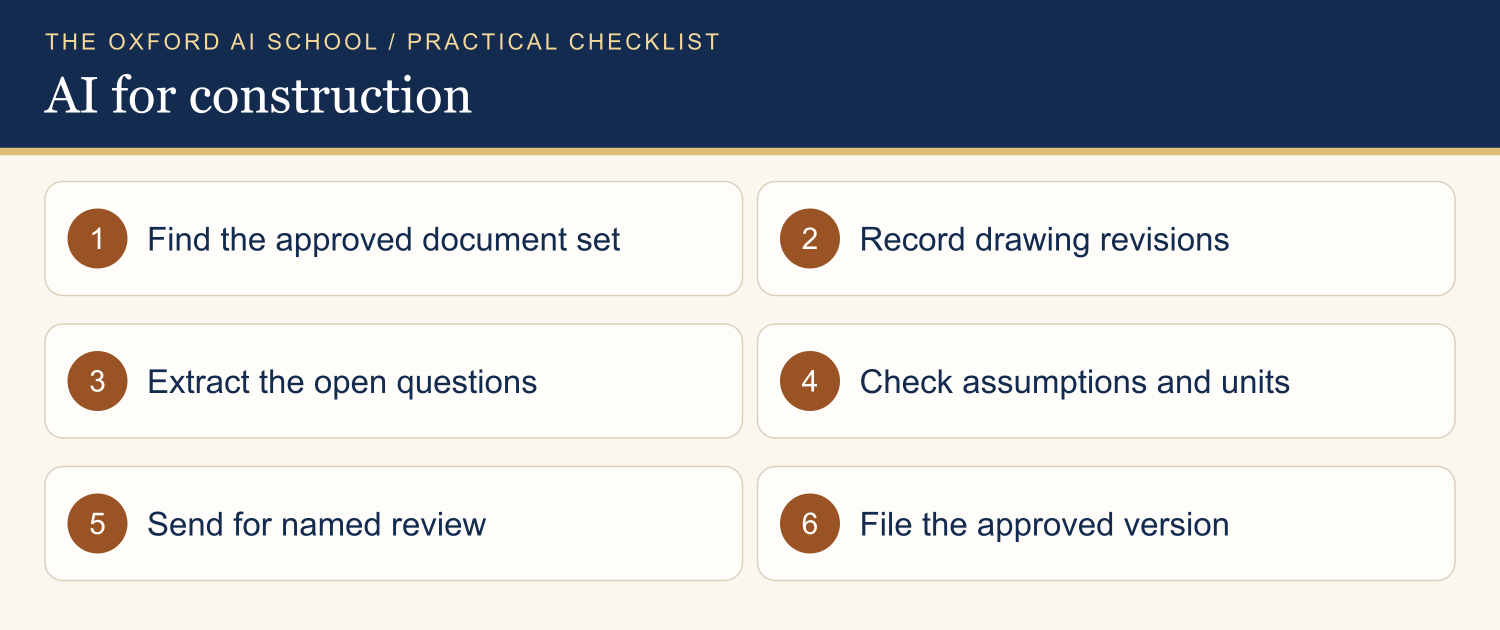
Read the checklist as text
- Find the approved document set
- Record drawing revisions
- Extract the open questions
- Check assumptions and units
- Send for named review
- File the approved version
Keep safety and design decisions in the right hands
Use the approved document control system as your record. Keep design, temporary works, safety measures and sign-off with the appropriate competent people. HSE guidance sets out responsibilities under the Construction (Design and Management) Regulations 2015. A draft from an assistant does not discharge those duties.
During practice, use a fictional project. Before using live information, confirm which tools and project documents the business and client allow. Tender rates, drawings and site photographs can have their own restrictions.
Check the pilot on an ordinary job
Try a small set of already resolved queries and compare the draft with the real record. Track missing references, wrong revisions and review time. Ask someone from the site team to try the method. If it only works when the person who wrote the prompt is present, the handover is still unfinished.
Training to try next
Win More Business With AI
Practise proposal and tender workflows with approved material.
AI Basics Deep Dive
Learn to brief an assistant, compare tools and check a draft.
AI Policy Workshop
Set rules for bids, drawings, supplier information and sign-off.
Official guidance
Keep learning
More AI training by industry
Related guides and courses
Frequently asked questions
What can AI do for a small construction company?
It can help draft an RFI log, group tender queries and structure site handovers from approved material. Verify documents and revisions before use.
Can AI sign off a risk assessment or design?
Keep safety and design decisions with the relevant competent people. Use AI only within an approved workflow for drafting or organisation.
Which workshop fits a construction bid team?
Win More Business With AI covers proposals and tenders. Ask about using a fictional or approved example that matches your bids.