Notes from Harry · Claude and Claude Code
What would I learn in Claude and Claude Code training?
From better briefs to work that actually gets done.
First, untangle the names
Claude is Anthropic’s AI assistant. Claude Code is its agentic coding tool, able to read and change files and run commands in an authorised environment. Those extra abilities are useful. They also make “let’s see what happens” a less charming operating procedure.
You can start learning everyday Claude without becoming a developer. On our introductory Claude Code pathway, you can also start without prior coding knowledge. You still need to learn what the tool can access, what you are approving and how to inspect the result. Plain English is an interface, not a qualification in everything it can generate.
The four skills Claude training builds
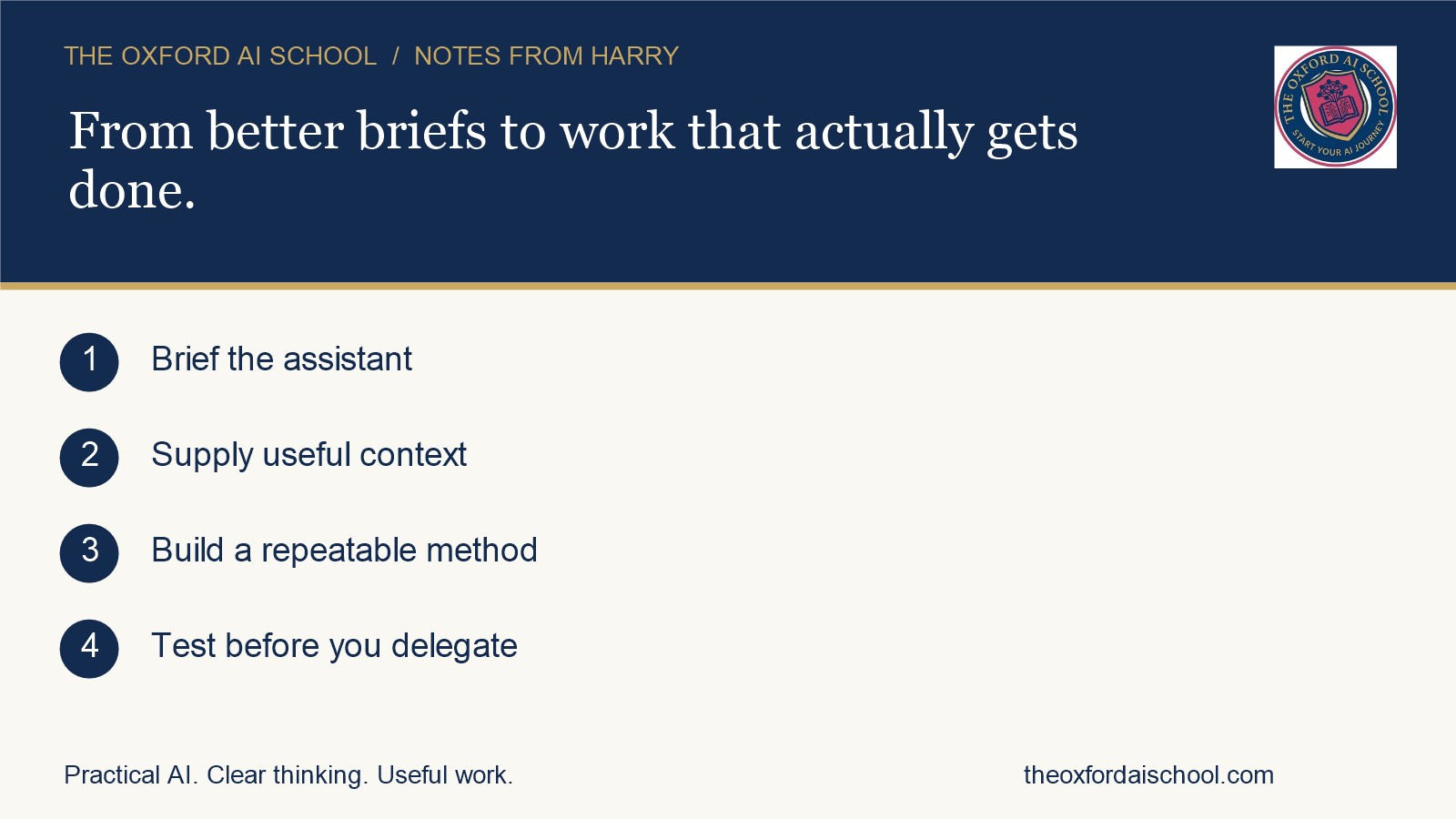
The diagram above summarises the method in four steps.
1. Brief the assistant
Describe the job, audience and a useful output so the answer is worth checking.
2. Supply useful context
Provide relevant source material and use Projects to organise recurring context.
3. Build a repeatable method
Capture a tested method in reusable instructions, commands or Skills.
4. Test before you delegate
Define permitted tools, stopping conditions and review points before an agent runs.
Everyday Claude: write a brief worth answering
You learn to describe the job, provide relevant source material, specify the audience and define a useful output. Then you learn to improve the result: challenge assumptions, ask for missing information and check statements against the source.
For example, turn approved meeting notes into an action list that separates agreed actions from suggestions. Give each action an owner only where the notes name one. An empty cell is more useful than a fictional colleague with a fictional deadline.
Projects help organise recurring context and instructions. Skills package reusable methods. Tool connections can provide access to other services when configured and permitted. Start with what Claude AI is, which Claude you need and our Claude versus ChatGPT comparison. Availability depends on your plan, settings and organisation.
Module 1: Introduction to Claude Code
Our Introduction to Claude Code covers getting set up, completing a real job on your own files, briefing it properly and identifying three tasks from your working week.
A sensible practice task is to turn a folder of approved notes into a draft briefing with source references. Work on copies, agree the scope and inspect what changed. The point is to understand the workflow, including the boring checks that make the impressive bit usable.
Module 2: make useful work repeatable
Advanced Claude Code & AI Agent Training moves into project memory, reusable commands, Skills, tool connections and a genuine multi-step workflow. It requires the introductory module or equivalent experience.
You might develop a repeatable process for turning approved source material into a report draft. You define inputs, structure, checks and the point where somebody reviews it. A saved instruction is valuable when it captures a tested method. Saving a bad instruction simply makes the mistake more convenient.
Module 3: build an agent with a defined job
Building Agents in Claude Code takes the next step: a working agent for a business task, a supporting Skill, scheduling and a plan for further agents. Advanced foundations come first.
Learn to define the goal, permitted tools, stopping conditions and review points. Test incomplete inputs and failures as well as the lovely example where everything works. Scheduling also needs the right running environment and access arrangements. An agent does not become reliable merely because you have asked it to be reliable every Monday.
How do you know you have learnt it?
You should be able to explain the brief, reproduce the workflow, find a deliberately planted error and describe when to stop. Those are stronger signs than remembering where a button lived last Thursday.
See the current programme outlines for scope, prerequisites and quotes, and tell us the task you want to tackle. For current product behaviour, consult Anthropic’s Claude Code documentation.
Keep reading
Sources and further reading
Checked on 3 November 2026.
Frequently asked questions
What would I learn in Claude and Claude Code training?
Claude training teaches you to brief, supply context, organise recurring work and check answers. Claude Code training goes further into working with files, reusable instructions, tool connections and agents. The right starting point depends on your experience and the job you want to improve.
Do I need to know how to code to learn Claude Code?
No. You can start learning everyday Claude without becoming a developer, and the introductory Claude Code pathway at The Oxford AI School starts without prior coding knowledge. You still need to learn what the tool can access, what you are approving and how to inspect the result.
What is the difference between Claude and Claude Code?
Claude is Anthropic’s AI assistant. Claude Code is its agentic coding tool, able to read and change files and run commands in an authorised environment.
What are the three Claude Code training modules?
Introduction to Claude Code covers setup and a real job on your own files. Advanced Claude Code & AI Agent Training covers project memory, reusable commands, Skills and tool connections. Building Agents in Claude Code covers a working agent for a business task, a supporting Skill and scheduling.
How do I know I have learnt Claude Code properly?
You should be able to explain the brief, reproduce the workflow, find a deliberately planted error and describe when to stop.
How do I choose the right next step?
Bring one real business task, your starting level and the tools you can use. Compare these with the current programme outlines on The Oxford AI School programmes page, then confirm scope and arrangements before booking.