
What can an AI agent do at work?
It can take a job you repeat, work through the steps on its own and hand you a result to check. Most useful work agents follow one shape: collect, compare, flag, review.
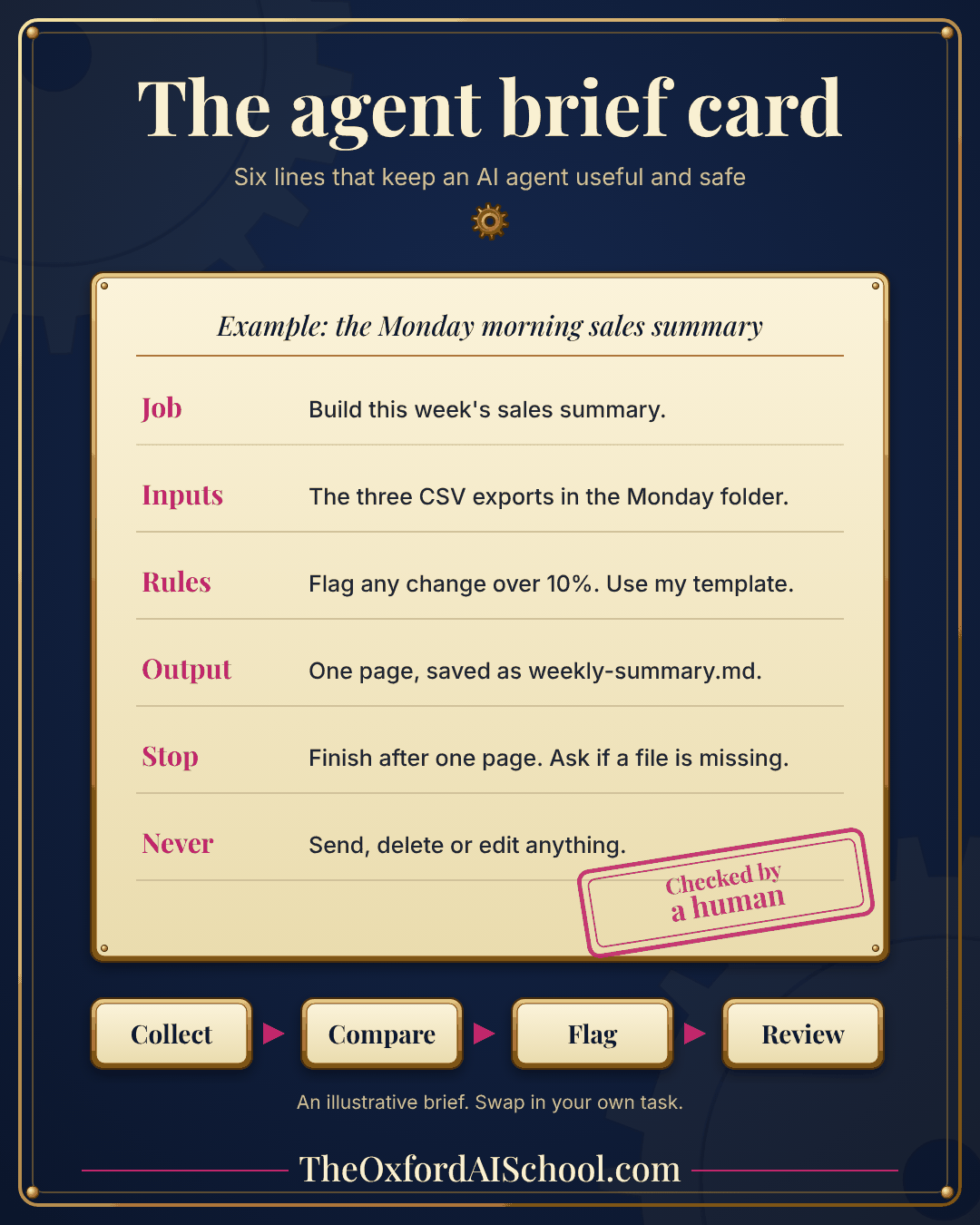
Collect the inputs, such as exports, emails or documents. Compare them with a rule or with last week. Flag whatever looks odd. Then a person reviews the flags and decides. That is the Monday morning reporting engine in the picture above, and it fits a surprising number of jobs: the weekly sales summary, the supplier invoice check, the meeting follow-up, the compliance checklist.
If you want the wider view of where agents fit in a business, Agentic AI for business covers the evidence and the autonomy dial. This page is the practical half: how to build one that does a real job on a real Monday.
How do you use an AI agent for work in five steps?
Pick one repeat job
Choose a job that repeats weekly, takes 20 to 60 minutes and has an obvious right answer. Avoid anything that sends, spends or deletes on its own. Write down how you do it today, step by step, as if for a new colleague.
If you cannot write the steps, you are not ready to hand them over. That is useful to find out on a Tuesday rather than on a Friday with a client waiting.
Write the six-line brief
An agent needs less than you think and more than you give it. Six lines cover it.
| Line | What goes in it | Example |
|---|---|---|
| Job | One sentence on what to do | Build this week’s sales summary. |
| Inputs | Exactly where the material is | The three CSV exports in the Monday folder. |
| Rules | Thresholds, style and templates | Flag any change over 10%. Use my template. |
| Output | What it produces, how long, where it goes | One page, saved as weekly-summary.md. |
| Stop | When to finish and when to ask | Finish after one page. Ask if a file is missing. |
| Never | What it must not do | Send, delete or edit anything. |
Job: [one sentence]
Inputs: [exact folder or files]
Rules: [thresholds, style, template]
Output: [what to produce, how long, where to save it]
Stop: [when to finish, and when to stop and ask me]
Never: [send, delete, edit or spend anything]Job: Build this week's sales summary.
Inputs: The three CSV exports in the Monday folder.
Rules: Flag any change over 10%. Use my template.
Output: One page, saved as weekly-summary.md.
Stop: Finish after one page. Ask me if a file is missing.
Never: Send, delete or edit anything.Run it on a copy and read every line
Run the agent on a copy of the real inputs. Read every line of the result and compare it with what you would have produced. Keep a list of what it got wrong: the wrong file, the wrong threshold, a figure it invented. Then fix the brief, not just the output.
Before you finish, check your work against this brief. List every figure you could not verify, every file you could not find and anything you assumed. Do not hide uncertainty.Add a check, a stop and an owner
A check proves the output is right without you re-reading every number. A stop is the point where the agent ends or asks. An owner is the named person who reviews it on the day. Without an owner, the Monday report is a file nobody opens.
Three checks that work for most jobs:-
- Rows in equal rows out.
- The totals match the source.
- Every flagged item points to the row it came from.
Schedule it and keep reviewing
Claude Code can run a prompt on a schedule. Anthropic’s documentation lists three routes: cloud scheduled tasks that keep running when your computer is off, desktop scheduled tasks that run on your machine with your local files, and /loop, which repeats a prompt inside a session. Start with a session you watch, then move to a schedule.
Keep reviewing. For the first month, read every output. Once four weeks of reading turn up nothing to correct, a sample check will do. If it ever surprises you, move it back a step on the dial described in Agentic AI for business.
Which six work agents should you build first?
Start with one of these six. Each follows the same collect, compare, flag, review shape, each has an obvious right answer and none of them sends, spends or deletes anything without a person saying yes. Dull is what you want in a first agent.
| Agent | Collects | Flags | A person reviews |
|---|---|---|---|
| Weekly sales summary | Three exports | Changes over 10% | One page |
| Supplier invoice check | Invoices and purchase orders | Amounts that do not match | Approves payment |
| Meeting follow-up | Notes and calendar entries | Actions with no owner | Confirms owners and dates |
| Pipeline hygiene | A CRM export | Deals with no activity in 30 days | Decides who to chase |
| Contract checklist | A draft and your checklist | Missing clauses | Fixes and signs off |
| Customer feedback digest | Reviews and emails | Repeated complaints | Chooses what to change |
Which tool should you use for work agents?
Use whichever one can reach the material and stay inside the limits you set. Claude Code works well when the job lives in a folder you can point it at. Chat assistants suit lighter drafting. Workflow tools suit fixed steps that need no judgement.
| Tool type | Good for | Watch for |
|---|---|---|
| Claude Code | Jobs across a folder of files, and scheduled runs | Permissions: it can read, edit and run, so set them deliberately |
| Chat assistant with projects | Drafting and analysis on material you upload | Manual copying and no scheduled runs |
| Workflow automation tools | Fixed steps between apps | Rigid when the input changes shape |
New to the tool? How to learn Claude Code is the four-week plan. If you would rather build your first agent with a trainer beside you, Building Agents in Claude Code takes half a day, for up to eight people.
How do you keep an AI agent safe at work?
Give it the least access it needs, run it on copies, have a person approve anything that leaves the building and read the log. Safety here is mostly small, dull habits, and the dull habits are the ones that work. Skip any one of them and the others carry more weight than they should.
- Least access. One folder, not the whole drive.
- Copies first. Claude Code checkpoints do not restore files that only a shell command changed, so a copy is your real undo.
- Approval for sends and spends. Drafts cost nothing. Sent emails cannot be unsent.
- A stop you can reach.
Eschalts Claude mid-action in a live session. For scheduled runs, know where to switch the task off. - Data rules. Keep personal and client data out unless your data protection lead has agreed it. The ICO’s January 2026 report on agentic AI is early thinking, not formal guidance, and it flags data protection risks as agents gain freedom.
Anthropic’s documentation describes auto mode as a classifier that reviews risky actions, while deny rules hold in every mode and hooks run deterministically, where instructions in CLAUDE.md are guidance. So the rules you cannot bend belong in deny rules and hooks, and not only in your instructions.
What goes wrong with work agents?
- The job is vague. "Help with reporting" is a wish, not a job.
- Too many jobs in one agent. One agent, one job. Two jobs means two agents, or none.
- No stop. An agent without a stop either carries on or invents something to finish.
- Nobody reads the output. The report nobody opens is the most expensive report you produce.
- Promoted too early. Moving an agent up the dial after two good weeks is how clients receive odd emails.
How do you know the agent is working?
Count the minutes it saves, the errors you catch and the errors you miss. After four clean weeks of reading every output, you can start sampling instead of reading everything. A dull log beats a clever demo.
Keep a plain log: the date, the minutes you spent reviewing and what you changed. Four weeks of that is better evidence than any demo. If the log shows more minutes of fixing than saving, drop the agent and try a different job. That is a cheap lesson, and cheaper than a clever one.
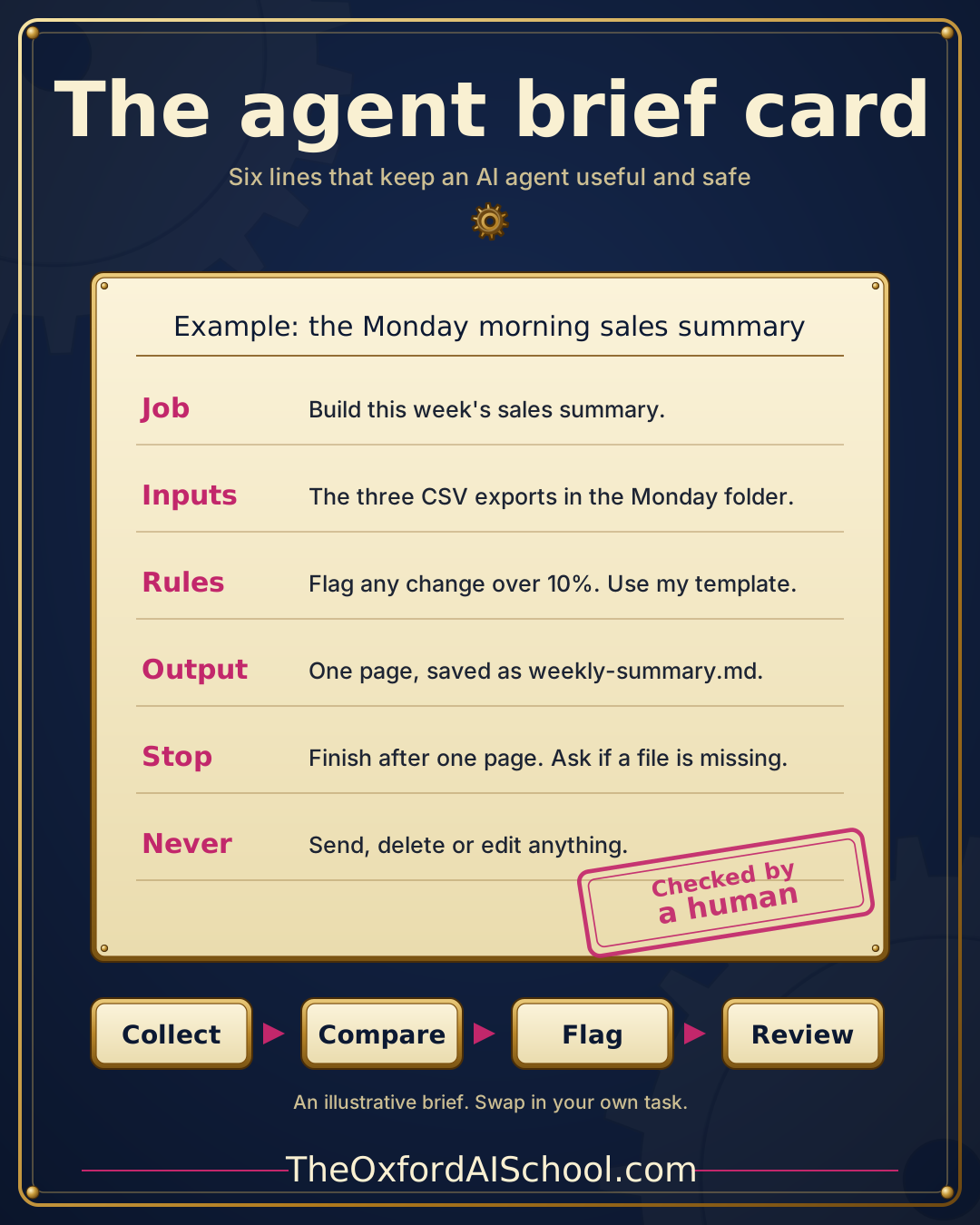
The one-page infographic
Print it, fill in your own six lines and stick it by the screen.
Put the skills to work with us
The quickest way to get an agent running is to build one beside someone who has done it. Our Building Agents in Claude Code module builds one live on a real job from your week. Book a free 15 minute call and bring the job.
- Claude Code Deep Dive for the first half day: install it, give it a job, check its work.
- Advanced Claude Code for project memory, shortcuts, connected tools and skills.
- Building Agents in Claude Code for a working agent that runs on a schedule.
Key takeaways
- Most work agents follow one shape: collect, compare, flag, review.
- Write six lines: job, inputs, rules, output, stop and never.
- Run on a copy, read every result and fix the brief, not just the output.
- Rules in a brief are requests. Rules in settings are enforced.
- Schedule only after four weeks of reading every result turns up nothing to correct, and keep a named person on the output.
Frequently asked questions
How do I use an AI agent at work?
Pick one repeat job, write a six-line brief covering job, inputs, rules, output, stop and never, and run it on a copy of real data. Read every result for four weeks. Add a check and a named reviewer, then schedule the job once those four weeks turn up nothing to correct.
What is the best first task for an AI agent?
Something you do every week in under an hour that has an obvious right answer, such as a sales summary, a meeting follow-up or an invoice check. Steer clear of anything that sends, spends or deletes without a person approving it first. Boring and checkable beats clever and impressive.
Can an AI agent run while I am away?
Yes, with limits. Claude Code supports cloud scheduled tasks that run even when your computer is off, desktop scheduled tasks that use your local files, and a loop command for repeating a prompt in a session. Start supervised and schedule after a clean month of reviews.
What should I put in an AI agent brief?
Six lines: the job, the inputs, the rules, the output, when to stop and what it must never do. Keep each to one sentence. In Claude Code, put the never rules in a deny rule or hook as well, because a request in a brief can be missed.
Do AI agents replace employees?
In practice a work agent takes over one repeat job, and a person still reviews the result. Treat it like a quick, very literal junior colleague who needs a clear brief and checking. The time you save is in collecting and comparing, not in judgement.
Is it safe to give an AI agent access to company files?
It can be, if access stays small. Give it one folder rather than the whole drive, work on copies, have a person approve sends and spends, and keep personal and client data out unless your data protection lead agrees. The ICO’s early view is that agents could add to existing data protection problems and create new ones.
Which tool should I use to build work agents?
Use the tool that can reach your material within limits you set. Claude Code suits jobs across a folder of files and can run on a schedule. Chat assistants suit lighter drafting, and workflow tools suit fixed steps. Whichever you choose, the six-line brief applies.
Can I learn to build agents with a trainer?
Yes. Our Building Agents module runs for a half day at £2,299 +VAT, for up to eight people, virtual or in person. By the end you have built an agent on a real job, given it a skill, set it to run unattended and sketched the next two.
More in How To Use Claude Code & Agents
Guides by Harry Lang for people who want Claude Code and AI agents doing real work, with no coding background needed.
Who can train my UK team in Claude Code?
Five routes compared, with costs and the questions to ask.
Who is the best Claude Code trainer in London and the UK?
A 12-point scorecard and a 30 minute test for any trainer.
How to learn Claude Code
A four-week plan for beginners, one small job a week.
Agentic AI for business
What agents do, the evidence, five gates and a 30 day plan.
How to learn advanced Claude Code
Project context, reusable skills, MCP and testing.
See the full series in the AI Learning Hub or book a free intro call with Harry.
Keep learning
- Agentic AI for business The evidence, the autonomy dial and the five gates.
- How to learn Claude Code A four-week plan for beginners.
- How to learn advanced Claude Code Skills, connected tools and review in more depth.
- Are AI agents safe for business? Risks and sensible limits.
- AI agent training for non-technical teams Our guide for teams who do not code.
- Who can train my UK team in Claude Code? Five routes for teams, compared.
Sources and further reading
- Claude Code overview, Anthropic documentation Cloud and desktop scheduled tasks, and /loop.
- Best practices for Claude Code, Anthropic documentation Auto mode, deny rules, hooks, checkpoints and Esc.
- Configure permissions, Anthropic documentation Permission modes and deny rules.
- ICO tech futures: Agentic AI Published January 2026.
- ICO shares early views on agentic AI and data protection, Covington Law firm summary of the ICO report.
- Building Agents in Claude Code module page Our published module details.
Figures and product behaviour checked on 17 November 2026. Tools and prices change, so confirm anything you plan to act on.