Business AI field guide · Part 1 of 5
Perplexity AI vs Claude for Research
Put both tools in front of the same question. See what survives the source check.
You have a meeting tomorrow and a question nobody can quite agree how to answer. You need four good sources and a page of useful analysis. Somehow the internet has offered you a podcast, a white paper with a sales form attached and a man standing beside a rented car. This is a good moment to try AI research.
What changes when the research starts on the web?
Perplexity is a natural candidate for finding public material and following citations. Its Research mode is designed for longer investigations. Claude also offers cited web search and a Research capability that can use connected sources where access is enabled. In both tools, check which mode actually ran before comparing the answers.
Try a market question with a tight boundary. “What changed in these three suppliers’ UK offerings this quarter?” gives you an answer you can inspect. “Tell me everything about the market” gives you an afternoon you may never see again.

What changes when you already have the documents?
Give both tools the same public or approved source pack. Ask for contradictions, missing facts and the exact page or section behind each finding. Claude is worth testing when you will stay with the same material through several revisions. Perplexity is worth testing when you need to add outside evidence. Run both passes before deciding what suits your team.
| Research job | What to look for |
|---|---|
| Public source discovery | Original publications and a traceable citation trail |
| Comparing three documents | Accurate page references and like-for-like definitions |
| Writing a recommendation | A clear distinction between evidence and judgement |
| Sharing the work | A colleague can reproduce the checks |
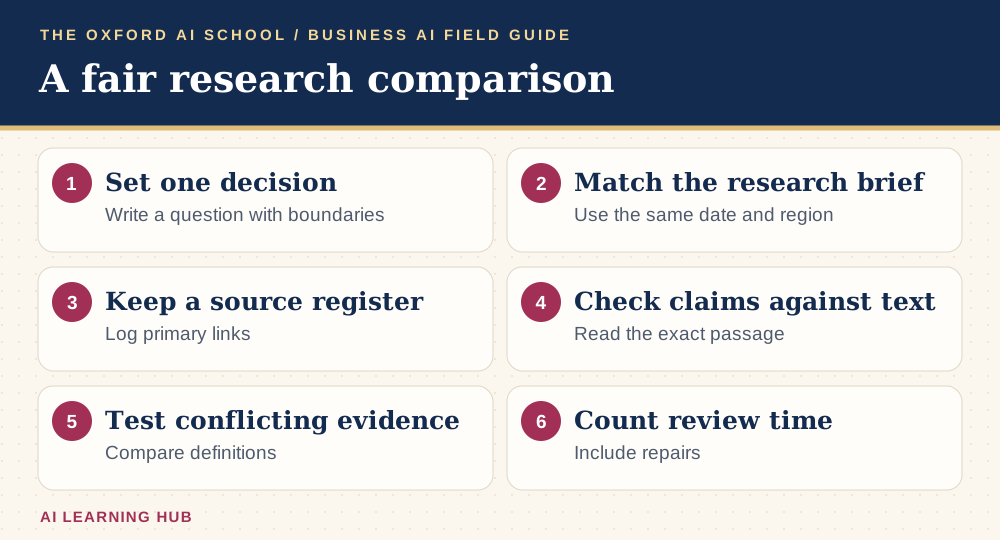
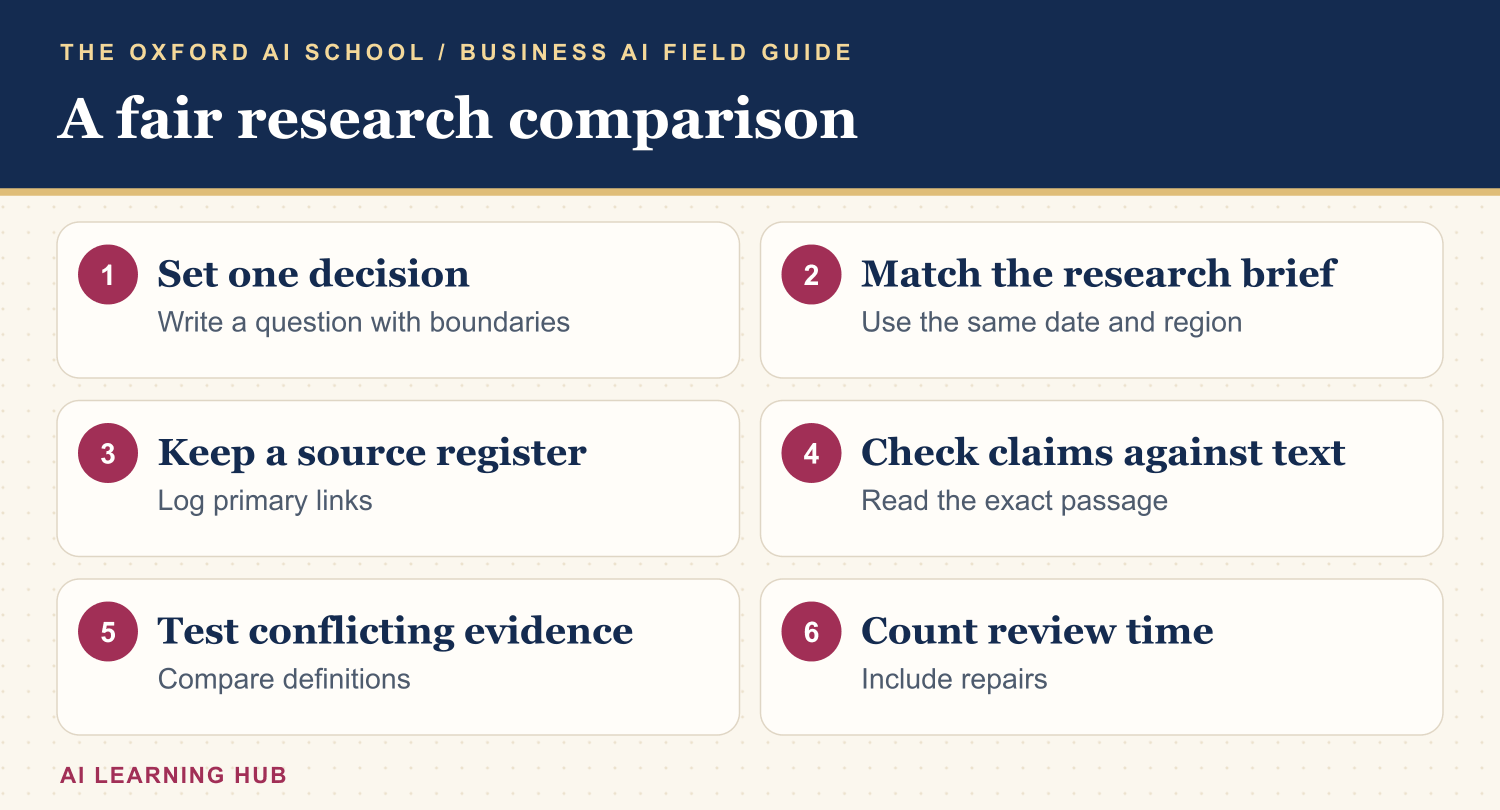
Read the infographic as text
- Set one decision: Write a question with boundaries.
- Match the research brief: Use the same date and region.
- Keep a source register: Log primary links.
- Check claims against text: Read the exact passage.
- Test conflicting evidence: Compare definitions.
- Count review time: Include repairs.
Run two passes on one question
On the first pass, let each tool search. On the second, give both the same verified documents and ask for an answer based solely on those documents. That separates source discovery from interpretation. Start fresh for the second pass so an earlier guess does not get a second career as background context.
Copy the research brief
Research [decision] for [reader] in [market] as of [date]. Find primary sources and report their publication dates. Create a table of claim, original URL, supporting passage and limitation. Identify conflicting evidence and explain how definitions or time periods differ. Finish with the three points I should verify myself.
Compare what you can stand behind
Give yourself a fixed amount of checking time. Open the sources behind the three claims with the greatest consequences. If both tools cite the same press release via different websites, count it as one source. Make a note of a relevant source each tool missed and of every sentence you had to repair.
A founder can use this for a competitor scan. A student can use it to build a reading list before opening the papers. A team can use it for a public-source client briefing. For a worked introduction, see how to use Perplexity AI. For team practice, try AI Basics Deep Dive.
Keep learning: Business AI field guides
The five-part series
More from the AI Learning Hub
Sources and product notes
Official product information checked on . Examples and prompts are for practice. Access and controls can change by plan, platform and account.
Frequently asked questions
Which is better for academic research?
Try both for discovery, then read and cite the original papers. Compare whether they identify relevant work, report the methods accurately and preserve caveats.
Can Claude do deep research?
Yes. Anthropic offers Research and cited web search. Access to tools and connected sources depends on your account and settings.
Can I use both tools together?
Yes. Transfer a verified source list and the relevant limitations into the second tool, using material approved for that workspace.