Perplexity field guide · Part 1 of 5
How to use Perplexity AI
Ask a better question. Follow the evidence. Keep your eyebrows available.
Perplexity is useful when you want to get your bearings without opening seventeen tabs and forgetting what the first one was for. It can help you find an answer and the reading behind it. The second part deserves at least as much attention as the first.

Start with a question you can actually answer
Open Perplexity in your browser or its app. Type a question in the main question box and send it. Its answer engine brings together web information and source links. Perplexity: products and getting started explains the product range.
Your first task should be something you understand well enough to spot a wobble. Compare three local museums for a family afternoon, investigate a course topic or research a supplier. “Tell me about marketing” is an invitation to receive the internet wearing a tie.
Specify who the answer is for, where it applies and what decision it should support. Add a date range when freshness matters. If you do not know the terminology, ask for a plain-English explanation first.
Give it a brief, rather than a hopeful noun
A useful question names the job, the limits and the output. Ask for original sources and uncertainty. You are allowed to request a short answer. A longer response does not automatically contain more wisdom.
A first prompt to adapt
Research [question] for [person or team] in [country].
Use information published or updated since [date], where relevant.
Prioritise original sources. Give me a short answer, a comparison table and the main uncertainties.
Link each important factual claim to a source. If the evidence is thin, say so.
For a student, the output might be an explanation and a reading list. For a business owner, it might be a shortlist with costs to verify. For a team, it might be a briefing with an owner for each unanswered question.
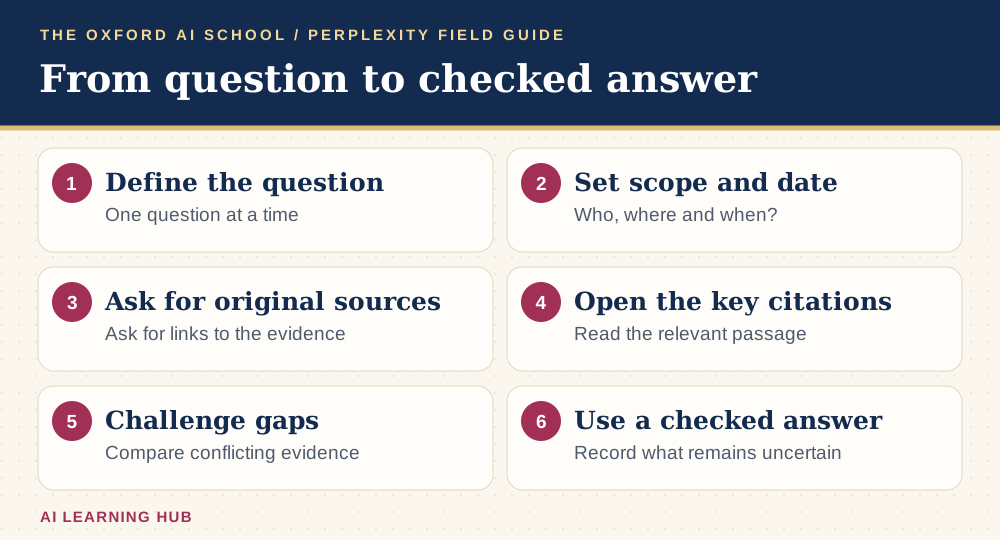
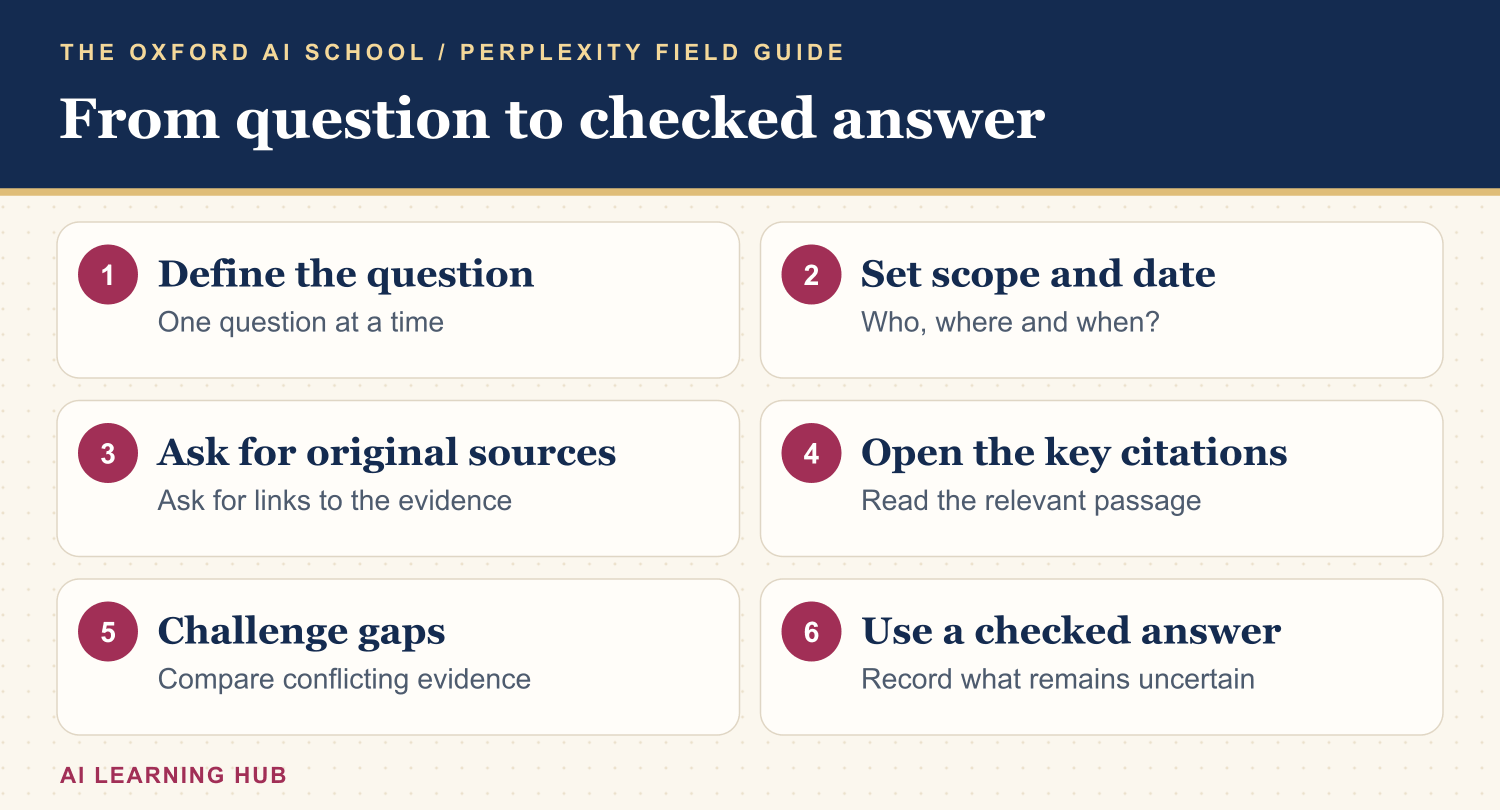
Read the infographic as text
- Define the question: One question at a time.
- Set scope and date: Who, where and when?.
- Ask for original sources: Ask for links to the evidence.
- Open the key citations: Read the relevant passage.
- Challenge gaps: Compare conflicting evidence.
- Use a checked answer: Record what remains uncertain.
Read the citations before you repeat the claim
Open the sources behind the claims that matter. Check the author, publication date, location and exact wording. Does the page support the sentence, or merely mention the same subject? A citation is a door to the evidence. It is not a certificate from the Ministry of Being Right.
If a price, deadline or specification will affect a decision, inspect the provider's current page yourself. If a source is unavailable, mark the claim unverified. Ask for independent evidence when several articles appear to repeat the same announcement.
Keep a small evidence log: claim, source, date checked and any limitation. It makes your work easier to explain to a colleague, tutor or customer.
Use follow-ups to improve the answer
Stay in the same thread while you refine the same question. Ask it to remove irrelevant options, explain unfamiliar terms or identify contradictory evidence. Change one thing at a time so you can tell what improved.
A useful second question
Which claims in your answer have the weakest evidence?
For each one, show the original source, explain what it actually supports and identify what remains uncertain.
Revise the answer without filling the gaps with guesses.
If the answer has wandered, restate the decision you are trying to make. Starting again with a tighter brief can be quicker than negotiating with a very confident tangent.
Choose extra tools only when the task needs them
For a broader investigation, look for Research in your account. For working with a document, use the attachment control if available and ask about a specific part. The Perplexity: modes and Pro features documentation explains modes and account-dependent access.
Start with public practice material. For work files, follow your organisation's rules on what may be uploaded or connected. A file containing customer details does not become suitable for sharing because its filename includes “final”.
Do not buy an upgrade to solve an unclear question. Try the basic task first, identify the limit you actually hit and compare that with the current plan information.
Try a ten-minute exercise
Choose one question from your week. Spend three minutes writing the brief, three minutes reading the answer and four minutes checking two important claims. Finish with one sentence: “I can now decide X, but I still need to verify Y.”
Individuals could compare two learning routes. A small business could compare booking software. A team could prepare a public-source customer briefing. Use fictional details for practice and record what you changed in the prompt.
For more help, read AI for Small Businesses in 10 Easy Steps or practise tool selection in the AI Basics Deep Dive module. The habit you want is a better question followed by a better check.
Keep learning: Perplexity field guides
The five-part series
More Perplexity guides from the AI Learning Hub
Sources and product notes
Official product information checked on . Examples and prompts are for practice. Access and controls can change by plan, platform and account.
Frequently asked questions
Can I use Perplexity for free?
Perplexity offers free core search. Paid tools and higher allowances depend on the current plan. Try a real task before deciding whether an upgrade earns its keep.
Do I need to write complicated prompts?
No. Name your question, audience, location, time period and required output. Clear context is more useful than a paragraph of impressive instructions.
Are the citations always reliable?
No. Open the source and check whether it supports the specific claim. A real link can still point to weak, old or irrelevant evidence.
Can I use Perplexity for studying?
Yes, as a starting point for explanations, questions and source discovery. Read the originals and follow your institution’s rules on AI use and referencing.
What should I do when sources disagree?
Compare dates, definitions and methods. Ask Perplexity to explain the disagreement, then inspect the original documents rather than averaging the conclusions.