Perplexity field guide · Part 5 of 5
What's Perplexity good at?
Getting your bearings, finding evidence and asking the next useful question.
Perplexity is particularly handy for the bit of a job that begins, “I need to understand this before three o’clock.” It can help you get from a vague question to a useful reading trail. It cannot make three o’clock less unreasonable.

Get up to speed without pretending to be an expert
Ask for a short explanation of a topic, the terms you need and the questions people disagree about. Perplexity's answer engine is built around answers with sources; Perplexity: products and getting started describes that starting point.
A student could map an unfamiliar subject before reading deeply. A new employee could learn the vocabulary in a public industry report. A business owner could understand a software category before speaking to salespeople who have already decided it is essential.
Ask it to explain the same idea at two levels. If the beginner version loses an important qualification, put it back. Plain English should clarify the idea, not sand off the useful bits.
Find the original evidence
Use it to look for a report, official announcement, methodology or provider document behind a claim. Request the publication date and the part of the source that supports the point.
Trace a claim to its source
Investigate this claim: [claim].
Find the original publication where possible, not just articles repeating it.
Explain the method, date, geographical scope and limitations.
Show what the source supports and what it does not. Mark anything you cannot verify.
This is useful for a learner building a reading list, a marketer checking a statistic and a manager questioning a number in a presentation. Five websites repeating one survey still leave you with one survey.
Read the source before quoting it. If you cannot access the relevant passage, keep that limitation visible.
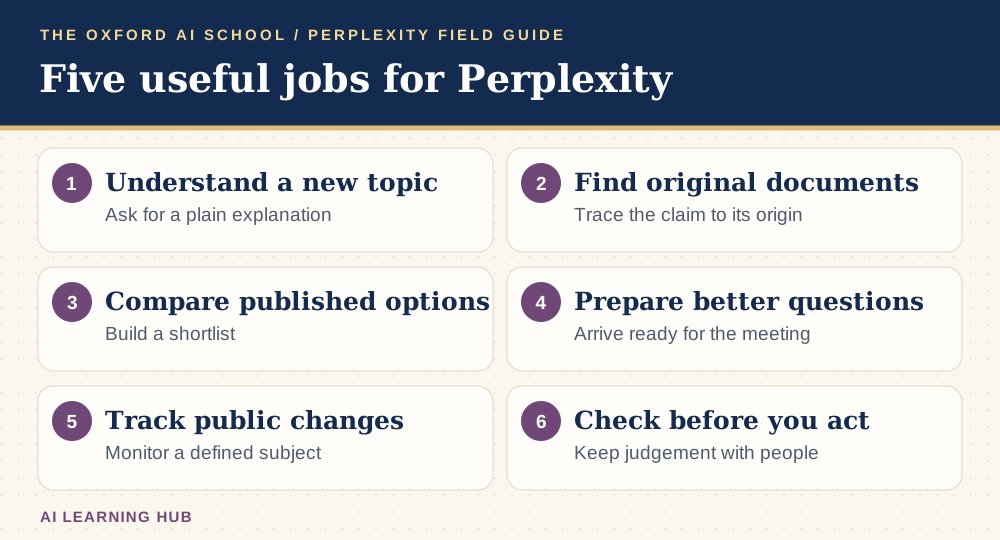
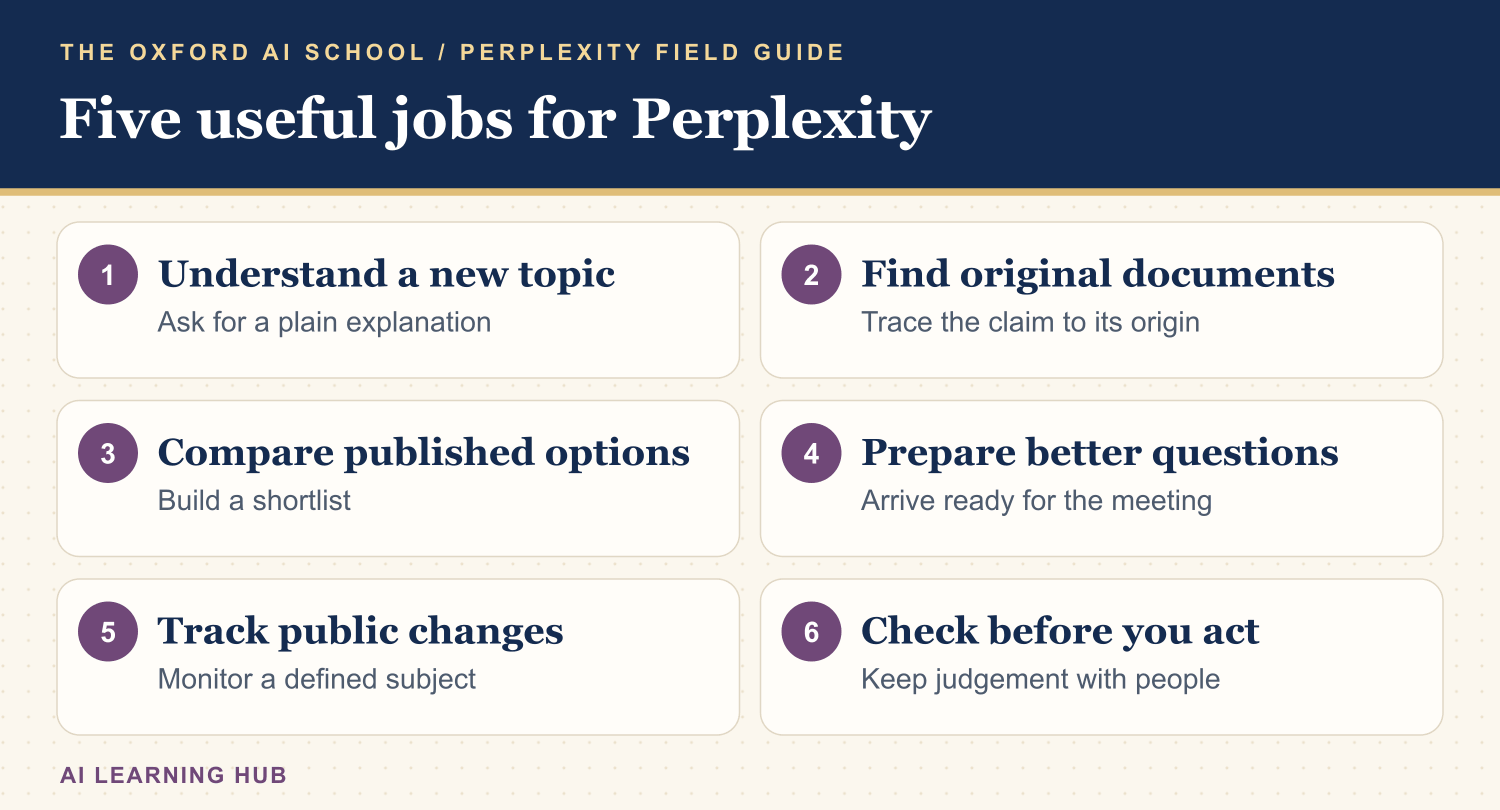
Read the infographic as text
- Understand a new topic: Ask for a plain explanation.
- Find original documents: Trace the claim to its origin.
- Compare published options: Build a shortlist.
- Prepare better questions: Arrive ready for the meeting.
- Track public changes: Monitor a defined subject.
- Check before you act: Keep judgement with people.
Compare options before the sales call
Create an initial comparison from published information: features, delivery methods, published terms and questions to ask. Treat it as a shortlist to investigate, not a purchase order with nicer formatting.
| Reader | A useful comparison | Verify directly |
|---|---|---|
| Individual | Courses or learning resources | Syllabus, accessibility and current fees |
| Small business | Software or service providers | Full costs, contract and implementation |
| Marketing team | Public competitor positioning | Original wording and date captured |
| Operations team | Published supplier options | Availability, specification and support |
Ask for “unknown” where a fact is missing. An empty cell can be much more useful than a confident invention. It tells you what to ask the supplier.
Prepare sharper questions for a meeting
Use public material to understand an organisation, its stated priorities and recent announcements. Then ask for questions that connect those facts to the purpose of your meeting.
Prepare a public-source meeting brief
Prepare a briefing on [organisation] for a meeting about [purpose].
Use its official website and dated public announcements.
Give five relevant facts with sources, three uncertainties and five open questions.
Do not infer private plans, budgets or personal details. Keep it under 500 words.
A sales team can arrive informed. A job applicant can ask about the actual role and organisation. A charity trustee can identify what needs a closer look. Nobody needs to open with, “I see you have a website.”
Keep an eye on a defined subject
For repeated work, define the sources, period and threshold for a meaningful change. Eligible Computer accounts can use Automations for recurring work, described in the Perplexity release notes: 5 October 2026 release.
Begin with a manual briefing. Decide what deserves attention and what counts as noise. Give a person responsibility for reviewing it. Otherwise the research inbox becomes another inbox requiring research.
For teams, maintain a simple log of what changed, the original source and the action taken. If nothing changed, a short “nothing material found” can be the most useful report of the week.
Know when to slow down or use another method
Perplexity is less useful when your question is vague, your evidence is inaccessible or you need a guaranteed complete account of a subject. It may miss sources or misread them. A plausible answer should still earn your trust.
For detailed work from approved internal material, compare your existing document and analysis tools too. For learning, test whether you can explain the answer without looking. For important decisions, ask the relevant person to check the interpretation.
If you are a marketer, this source-led way of working also helps you think about AI search. Our Introduction to GEO module covers how businesses can make their expertise clearer. For a look at where Perplexity fits alongside other tools, read my honest AI stack for a small business. Begin with one useful job and a clear check. You can always add more buttons later.
Keep learning: Perplexity field guides
The five-part series
More Perplexity guides from the AI Learning Hub
Sources and product notes
Official product information checked on . Examples and prompts are for practice. Access and controls can change by plan, platform and account.
Frequently asked questions
What is Perplexity best used for?
A useful starting point is a specific research question with public evidence: learning a topic, finding original sources, comparing options or preparing a briefing.
Can Perplexity replace Google?
It can help with some research questions, but direct search and original websites remain useful for finding specific pages, checking details and exploring sources yourself.
Is Perplexity good for business research?
It can help organise public information and prepare questions. Verify claims, record source dates and avoid treating a first briefing as complete due diligence.
Can Perplexity help my website appear in AI answers?
You can use it to inspect how a topic or business is described and which sources appear. Results vary, and no prompt or page change guarantees that an AI service will recommend you.
What is the simplest useful habit?
Ask one precise question, open two important sources and write down what you still do not know. That is a stronger habit than collecting answers you never check.